Deo
A downloadable tool for Windows, macOS, and Linux
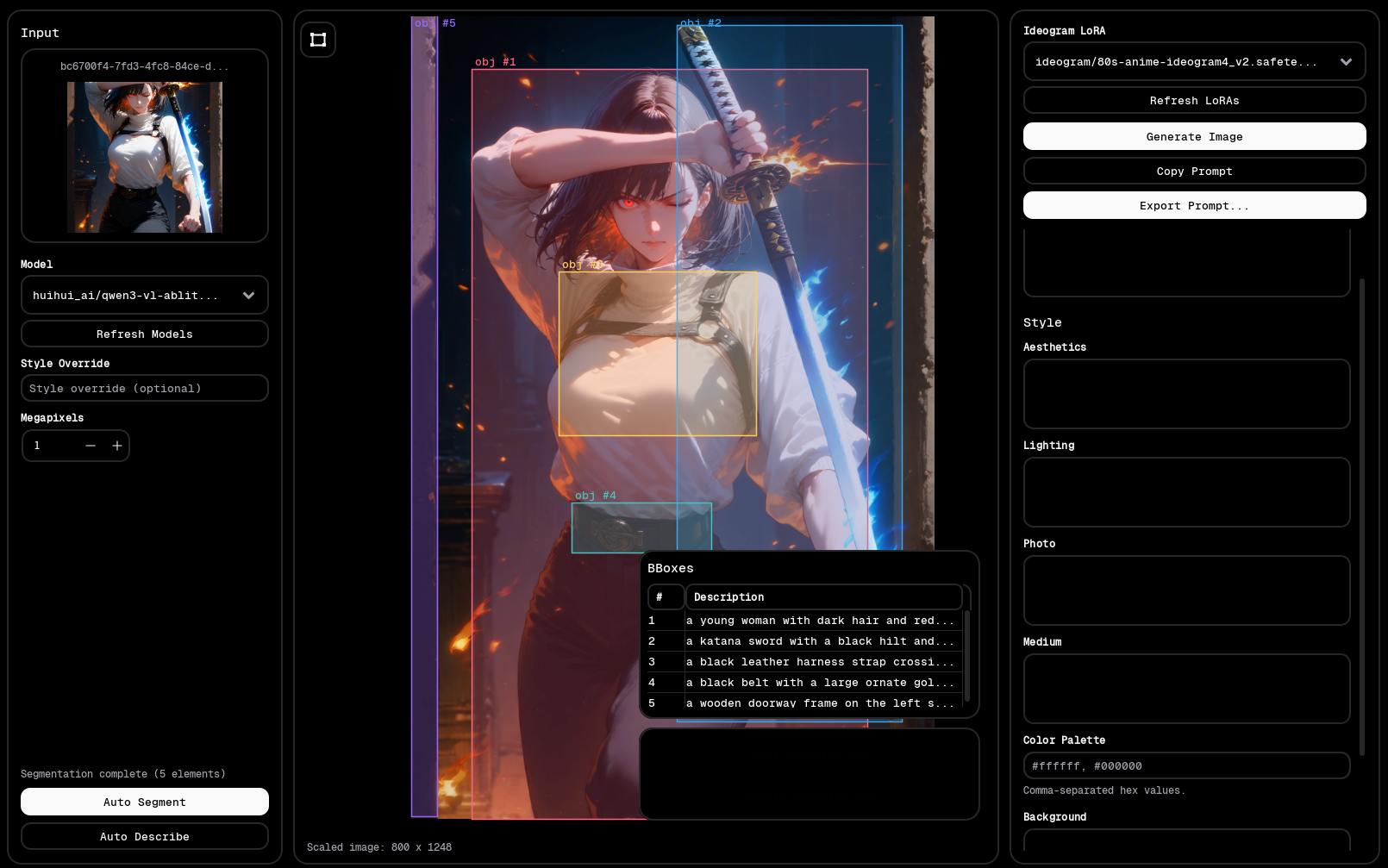
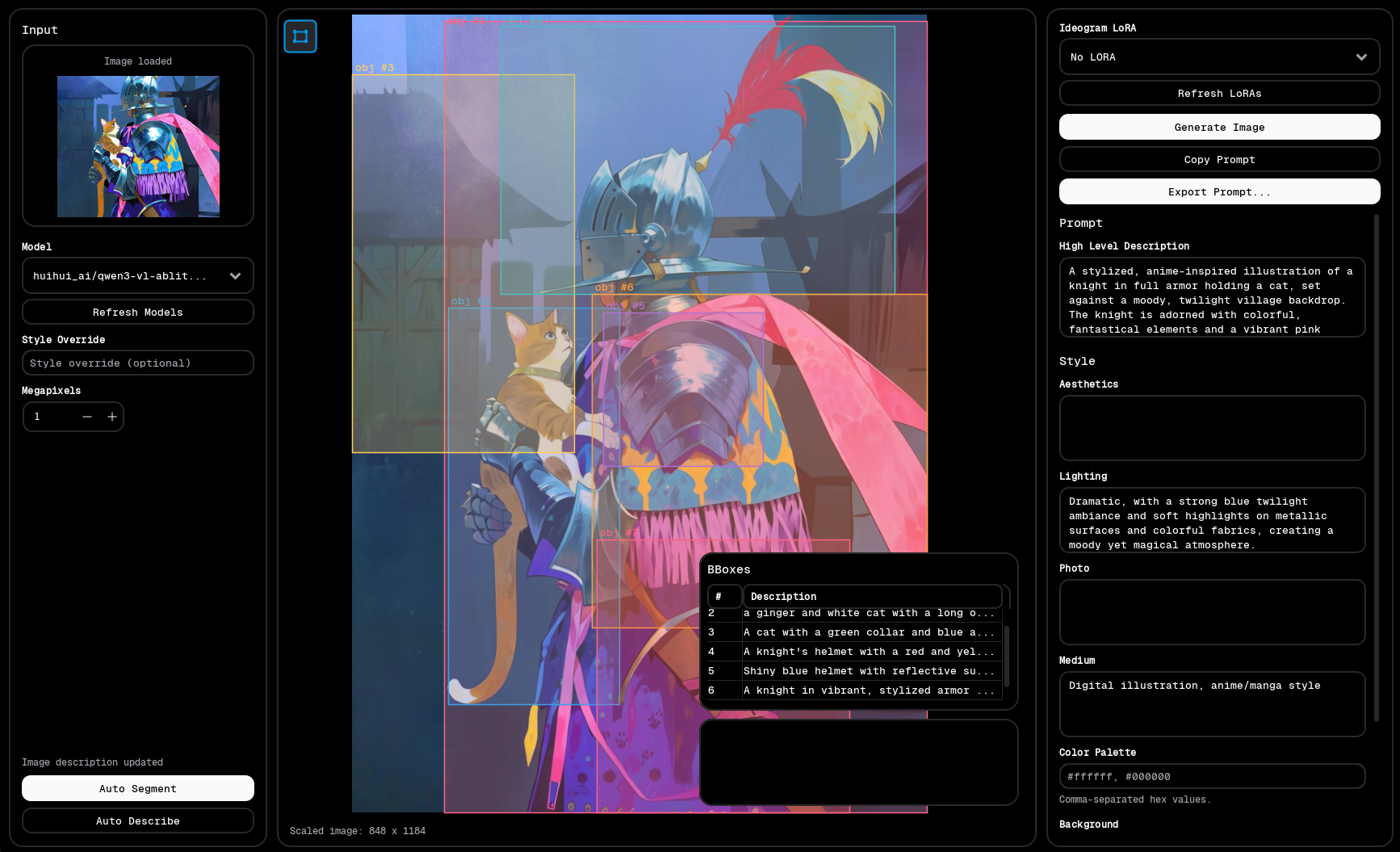
A tool for converting an image into an Ideogram 4 json prompt which can then be used to generate images or train LoRAs.
Features:
- Automatic bbox segmentaion
- Automatic description generation with style override
- Manually draw bboxes over image features
- Save images in pairs for LoRA training
- Import and edit existing prompt
- Generate test images directly in the app with optional LoRA support
- 100% local
Installation:
- Download the executable for your OS.
- Keep in mind these versions are unsigned and may show a run warning on your OS until enough people download them.
- Install ComfyUI custom_nodes and models
- ComfyUI-SAM3 - https://github.com/PozzettiAndrea/ComfyUI-SAM3
- comfyui-save-text - https://github.com/elowbe/comfyui-save-text
- If you dont have Ideogram 4 running yet, follow this tutorial: https://docs.comfy.org/tutorials/image/ideogram/ideogram-v4
- Install an Ollama vision model, i recommend qwen3-vl:8b-instruct or huihui_ai/qwen3-vl-abliterated:8b-instruct
- Run Deo
- On first run, a settings window will pop up. Make url changes as needed and don't forget to set the relative path to your the folder that contains your ideogram loras (default is ideogram which resolves to loras/ideogram)
- I will release a standalone ComfyUI Relay so you can run comfyui on a server computer but for now either run Deo on the computer you are using to run comfyui or make sure Deo is open on your comfyui server and use its ipaddress for the comfyui relay url (port 8443).
- Only disable low vram mode if you can comfortably fit both your llm and ideogram models on your GPU so only if you have 24-32gb of VRAM (and 24GB will get may get filled up depending on what llm model you use)
Download
Click download now to get access to the following files:
Development log
- Deo v1.1 Changelog99 days ago
Leave a comment
Log in with itch.io to leave a comment.