3D Veu
A downloadable tool for Windows, macOS, and Linux
Turn any 2D video into stereoscopic 3D, on Mac, Windows, or Linux.
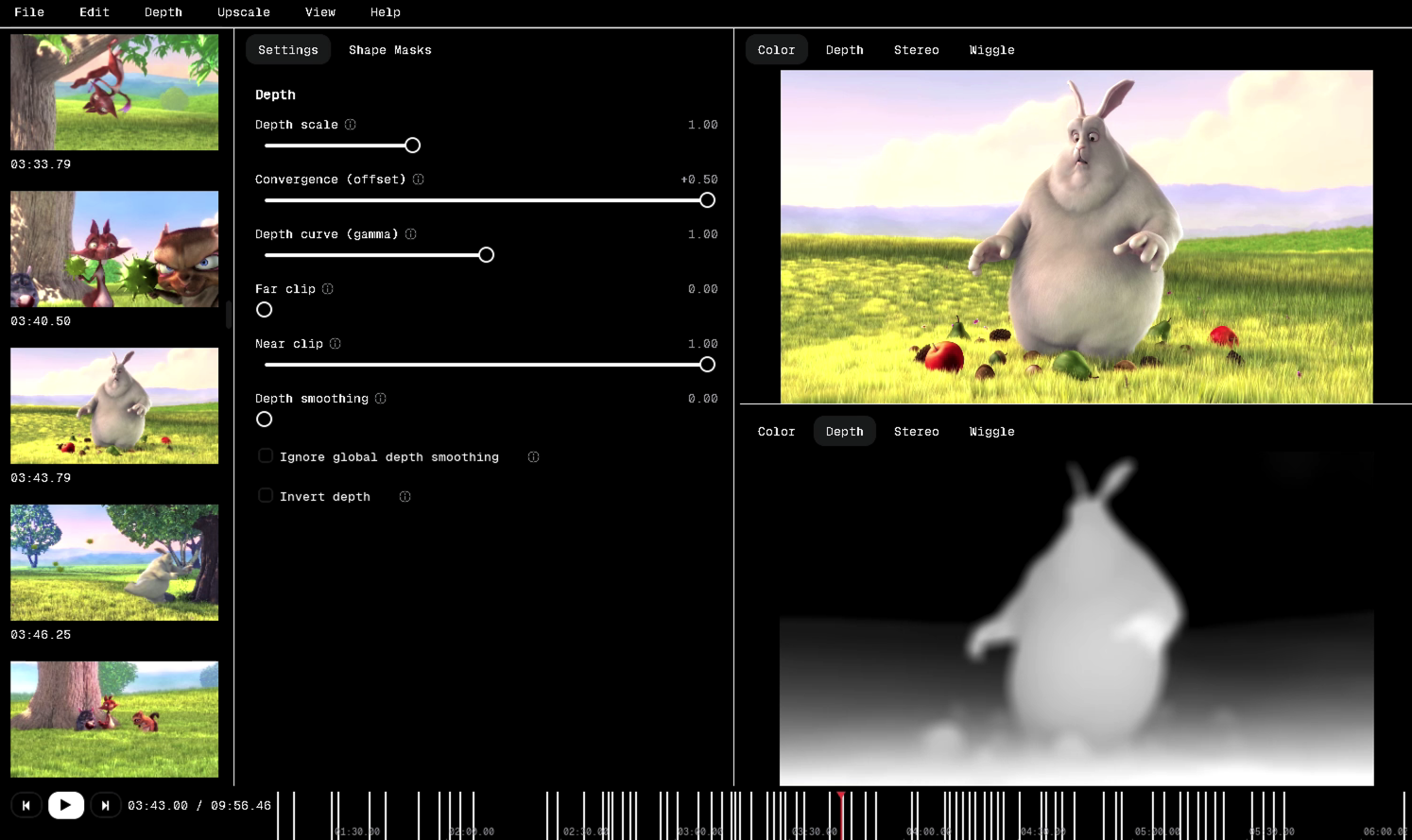
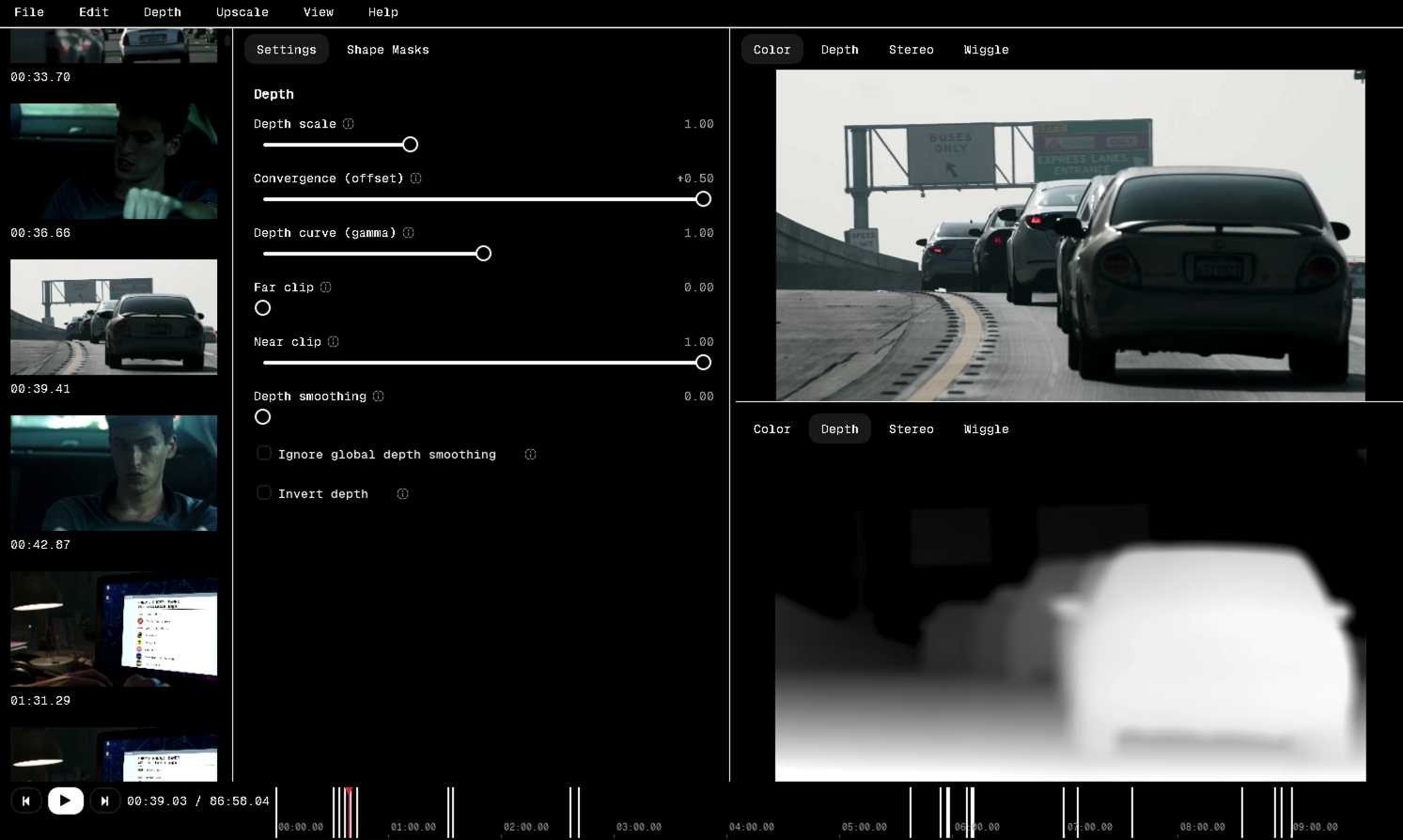
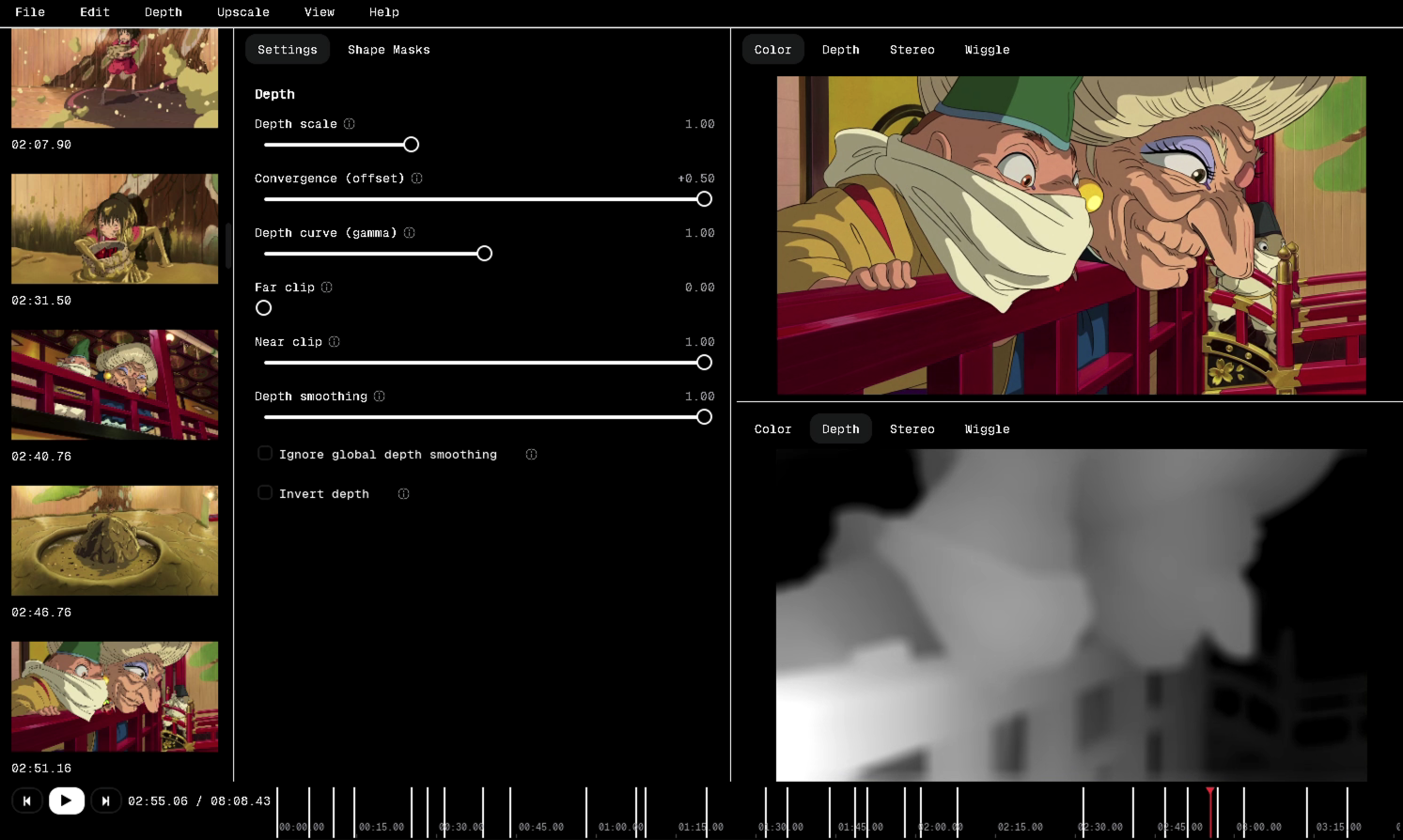
3D Veu takes a standard 2D video and reconstructs a stereo pair using AI depth estimation, so you get a genuine left/right eye conversion. Drop in a file, and 3D Veu automatically splits it into scenes, estimates depth for each one, and gives you a live dual-eye preview before you commit to a full export. When you're happy, export straight to a Meta/Quest-compatible side-by-side or over-under file. 3D Veu runs natively on macOS, Windows, and Linux.
Features
- AI-powered 2D to 3D conversion: depth-based stereo synthesis
- Automatic scene detection: splits your source at hard cuts so depth is estimated per scene, not blurred across edits
- Dual-eye live preview: see the left/right result before exporting
- Two export layouts: Side-by-Side (Full) and Top-Bottom (Over-Under), with correct LR / TB filename suffixes for automatic 3D detection on Quest
- 16:9 padding option: letterbox each eye to widescreen so footage doesn't stretch on headsets
- Neural upscaling engine: optional sharper upscaling pass, alongside a fast built-in scaler for quick exports
- Configurable output resolution: export at source resolution or scale up
- Multi-drive project storage: save and reopen projects across internal or external drives; 3D Veu remembers where each project lives
- Local, private processing: depth estimation and conversion run on device, nothing leaves your machine
- Cross-platform: native builds for macOS, Windows, and Linux
- Self-updating: checks for and installs new versions from within the app
System Requirements
- macOS (arm64), Windows, or Linux
- A modern GPU is strongly recommended for AI depth estimation and neural upscaling
- Sufficient free disk space for model downloads and video export (temp files can approach the size of your source clip)
Troubleshooting
"Unsupported hardware" warning when picking a stereo algorithm or upscaler The AI models need a compatible GPU. If yours isn't supported, switch to the built-in fast scaler and a lighter stereo algorithm, or run 3D Veu on a machine with a supported GPU.
Stereo algorithm or upscale engine says "Not installed" Click Set Up… next to the picker in the Export dialog to download the required model. This only needs to happen once, it's cached locally after that.
Export fails partway through Check the error dialog text, most failures are disk space related (temp files during depth or stereo processing can be large) or a missing model setup. Free up space or re-run Set Up…, then retry the export.
Project won't reopen, files show as "missing" 3D Veu tracks which drive a project was saved on. If that drive isn't connected, reconnect it before reopening; 3D Veu will warn if the saved drive isn't currently available.
App looks stuck on "opening…" in the title bar Large or unusual codecs can take longer to probe. Give it a moment; if it doesn't resolve, check that the source file isn't corrupted by playing it in another app first.
Colors or depth look off in preview Depth estimation runs per detected scene. If a scene boundary was misdetected across a hard cut, results can look inconsistent right at that cut. Re-run scene detection or split the scene manually if this happens repeatedly.
Update check fails This requires an internet connection to the update server. If it fails, 3D Veu keeps running your current version, no action needed unless you want to update.
Purchase
In order to download this tool you must purchase it at or above the minimum price of $5.99 USD. You will get access to the following files:
Leave a comment
Log in with itch.io to leave a comment.